The camera translator that teaches
Read the menu tonight. Know the words by your next trip.
Other apps translate a menu and forget it. Lantern Bear reads it in place, flags what you can’t eat and writes your order. Then it turns what you saved into flashcards.
Free to use, with no subscription. The camera only starts when you ask for it.

61
languages to translate into
~1 min
for a full menu wall
繁 · 简
Traditional or Simplified
ㄅㄆㄇ
Zhuyin or pinyin
TBCL · HSK
1 to 9
Why Lantern Bear?
Five things the other apps don’t do.
We read the store pages of the camera translators, the AI menu apps and the course apps. Each does part of the job. Here’s what only Lantern Bear puts together.





The part nobody else does
One dinner in Tainan, four days later a word you know.
Camera translators forget the scan the moment you close them. Course apps never see it. Lantern Bear keeps it and teaches it back.




How it stacks up
Most apps do one half. Lantern Bear does both.
What each kind of app puts forward as its main features in its own store listing, set beside what Lantern Bear does.
| Camera translatorsGoogle Lens, Papago | AI menu appsMenuGuide and similar | Course and dictionary appsHelloChinese, Du Chinese, Pleco |  Lantern Bear Lantern Bear |
|
|---|---|---|---|---|
| Translation over the photo | Yes, a straight swap of words | Some, labels clip when tight | No (Pleco’s OCR is a paid add-on for single words) | Yes, every line labelled; a crowded board opens as a list |
| What’s in the dish | No | Yes | No | Yes, plus spice level and region |
| Allergen and diet flags | No | Yes | No | Yes, outlined on the photo, named when you tap |
| An order to show staff | No | Yes | No | Yes, with prices and your own exchange rate |
| Remembers the restaurant | No | Not advertised | No | Yes, menus and location kept per place |
| Pinyin on every word, by tone | Some, pinyin for the whole line | Some | Yes | Yes, colour-coded everywhere |
| What you read becomes study cards | No | No | Some, from their own texts or lookups | Yes, from any scan, with its source line |
| Lessons and graded levels | No | No | Yes | Yes, TBCL and HSK 1 to 9 |
| Taiwan-first script and voice | Some | Not advertised | Some, often Simplified-first | Yes, Traditional, Zhuyin and a Taiwan voice by default |
| Searchable Chinese dictionary | Some, definitions for a typed word | Not advertised | Yes, the core of dictionary apps | Yes, 110,000+ CC-CEDICT entries by characters, pinyin or English, offline |
| Use your own AI key | No | No, subscription only | No | Yes, an Anthropic key lifts the daily limit, billed at cost |
| What it costs | Free | Free tier, then a weekly or monthly subscription | Free tier, then a monthly or yearly subscription, or paid add-ons | Free to use, with a daily scan allowance. Optional: scan packs, your own key, or Scholar bought once |
Based on public App Store listings and reviews, October 2026. Features change; check each app before relying on this.
Two reasons to open it
Who’s holding the phone?
Same bear, same camera. One of you wants dinner, the other wants to stop needing the app. Most people start as the first and end up as the second.
Scan
Point it at anything. Read it where it’s printed.
The translation is painted over the original line, so you can see which price goes with which dish. Hold the photo and the labels fade to show the characters underneath.
- Long menus are read in pieces, so a 100-item wall still comes back whole
- A tight line keeps a one-line label; tap it for the full translation
- A board that is mostly tight opens as a readable list instead
- Tap any line to hear it, at full speed or slowly
on a 97-item menu, a rival menu app cut its labels to a few letters.

Order
Know what you ordered before it arrives.
Every dish gets its English name, its price as printed, and a line on what’s actually in it. Tap the ones you want and Lantern Bear writes the order in Chinese for you to show the waiter.
- Prices converted at a rate you set, so it is never a stale guess
- Spice level and regional notes on each dish
- Order again from a saved menu on your next visit

Dietary flags
Tell it what you avoid. It flags what it finds.
Pork, beef, shellfish, nuts, alcohol. Set them once and every dish that names one gets a red outline on the photo, with a count of flagged dishes at the top. Tap one to see exactly what it contains.
- In List view, vegetarian and vegan dishes get a green badge
- A sentence in Chinese tells staff what you avoid
- A missing flag is never a promise, and the app says so
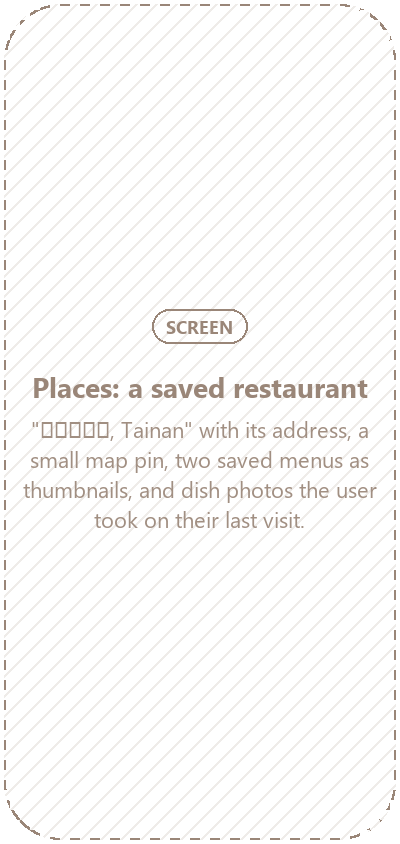

Places
It remembers the restaurant.
Save a place and its menus stay with it, along with where it is. Come back next week and the menu is already translated. Order again without lifting the camera.
- Nearby shows your saved places around you
- Dish photos are yours from the visit, never stock pictures
- Up to ten menus kept per restaurant
menu apps translate one meal and forget it.


Listen
Missed what they said? Let the phone listen.
Hold it toward the ticket clerk. You get the words with their pinyin, plus a button that says your reply out loud in a Taiwan voice instead of a mainland one.
- Paste or type any Chinese too, even from another app
- Copied Chinese is spotted the moment you come back
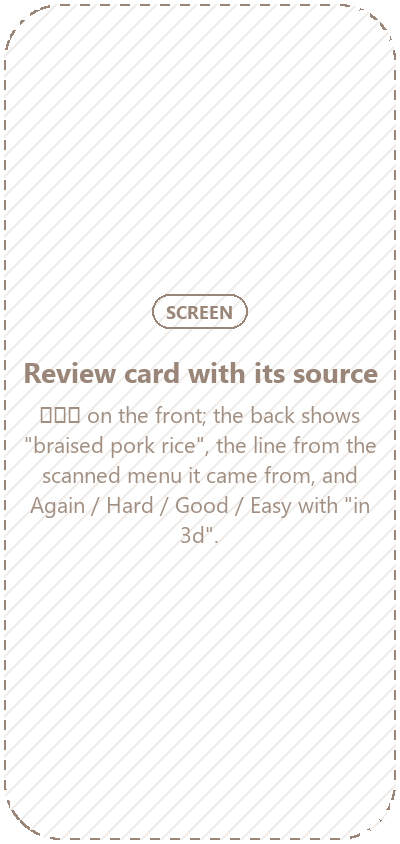

Study
Every word you save comes back as a flashcard.
The dumpling you ordered on Tuesday turns up in Friday’s review, along with the sentence you first saw it in. Spaced repetition decides when, so the words you keep missing come back sooner.
- New words start as multiple choice, then graduate to recall
- A daily reminder and a streak, both easy to switch off
course apps only drill the words they chose for you.


Lessons
Each lesson is a real situation, not a word list.
Calling home. Breakfast buns. Waiting for a ride. A short placement check skips what you already know, so day one isn’t 你好.
- Built on TBCL, Taiwan’s official vocabulary list, and on HSK
- Every level’s word list is free to browse, like a dictionary
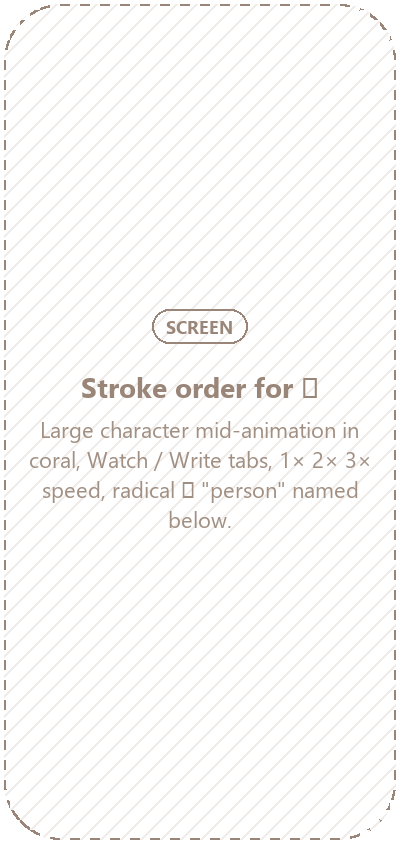

Writing
See the strokes in order. Then write it yourself.
Any character from any scan opens its stroke order, with the radical named. Watch it at 1×, 2× or 3×, then trace it on the canvas.
- Taiwan’s stroke order for Traditional characters
- Hold a word in any result to jump straight to it
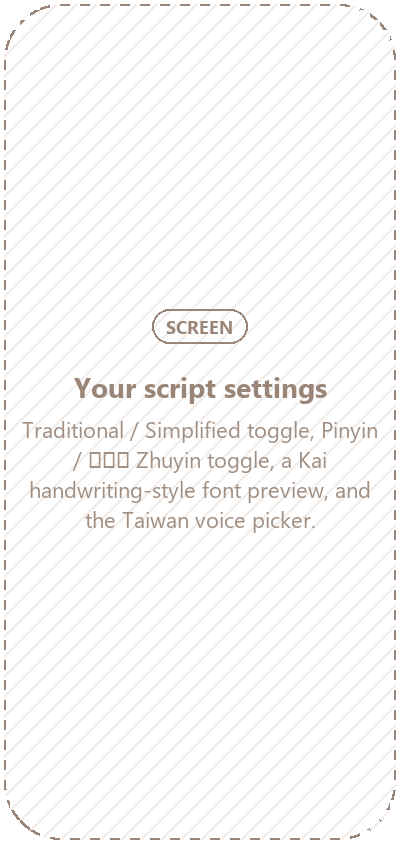

Your script
Traditional or Simplified. Zhuyin or pinyin. Your call.
Lantern Bear is built in Taiwan’s script and voice first, and switches to the mainland’s in one tap. Readings follow you everywhere, from scans to flashcards.
- Zhuyin set in a font that actually has the symbols
- A Kai typeface, closer to how characters are written by hand
most courses treat Traditional and Zhuyin as an afterthought.


Decks and drills
Ready-made decks when you want a syllabus.
TBCL levels 1 to 6 and HSK 1 to 9, each with spaced review. Tone and measure-word drills for the two things textbooks rush.
- Hand any word to Pleco when you want the deep dictionary entry
- Export and restore your own data any time
Tones you can see
Every syllable is coloured by its tone.
On every scan, card and lesson. Tones stick faster as a colour than as an accent mark you have to squint at. Tap a syllable to hear which one it is.
Soup dumplings. Tap a syllable.
The small things
Details you only notice at the table.
Pricing
Free to use. Pay only if you want more.
Free is the whole app with a daily limit, not a trial. Travellers who scan past the limit can buy a pack, and learners who want every level can buy Scholar once. Nobody gets a renewal email.



Scholar never limits scanning, and scan packs never lock learning. They pay for different things.
Have an Anthropic API key? Add it and scanning has no daily limit, billed to your account at cost.
The cast
Earn a cast of fifty, from a clouded leopard to Taipei 101.
Keep studying and new friends move onto your shelf. Some you’ll recognise from the night market. A few only turn up for Scholars.







Questions